Streamline purchasing and gain real-time visibility into company spend. Automate PO creation and invoice reconciliation to reduce errors and save time.
Customers never have to leave the page to find an answer
Purchase Order Management
Make Purchasing Smarter
Eliminate bottlenecks and minimize manual tasks using our PO management system. Speed up purchasing, improve supplier collaboration, and stay compliant.
Customize PO Forms
Add custom fields to purchase orders on the fly and capture the exact details your business needs.
Connect with Suppliers
Submit purchase orders to suppliers in one click. Use real-time messaging to resolve issues and clarify details quickly.
Flexible Approvals
Set up custom approvals for purchase orders based on projects, departments, and other criteria to ensure faster processing.
Integrate with Accounting
Integrate with QuickBooks or other tools you use to keep financial records in sync.
Streamline Procurement In No Time
Join dozens of organizations already growing with Team Procure
Purchase order software automates the creation, approval, and management of purchase orders, replacing manual processes. It ensures every purchase is properly documented, authorized, and traceable, helping businesses prevent errors, control spending, and maintain clear records for financial reporting.
How does Team Procure’s purchase order software work?
Team Procure simplifies PO management by automating every step of the process:
Create & Approve: Generate purchase orders from requisitions or manually, with automated approval workflows.
Send to Suppliers: Share POs instantly with vendors and track their status.
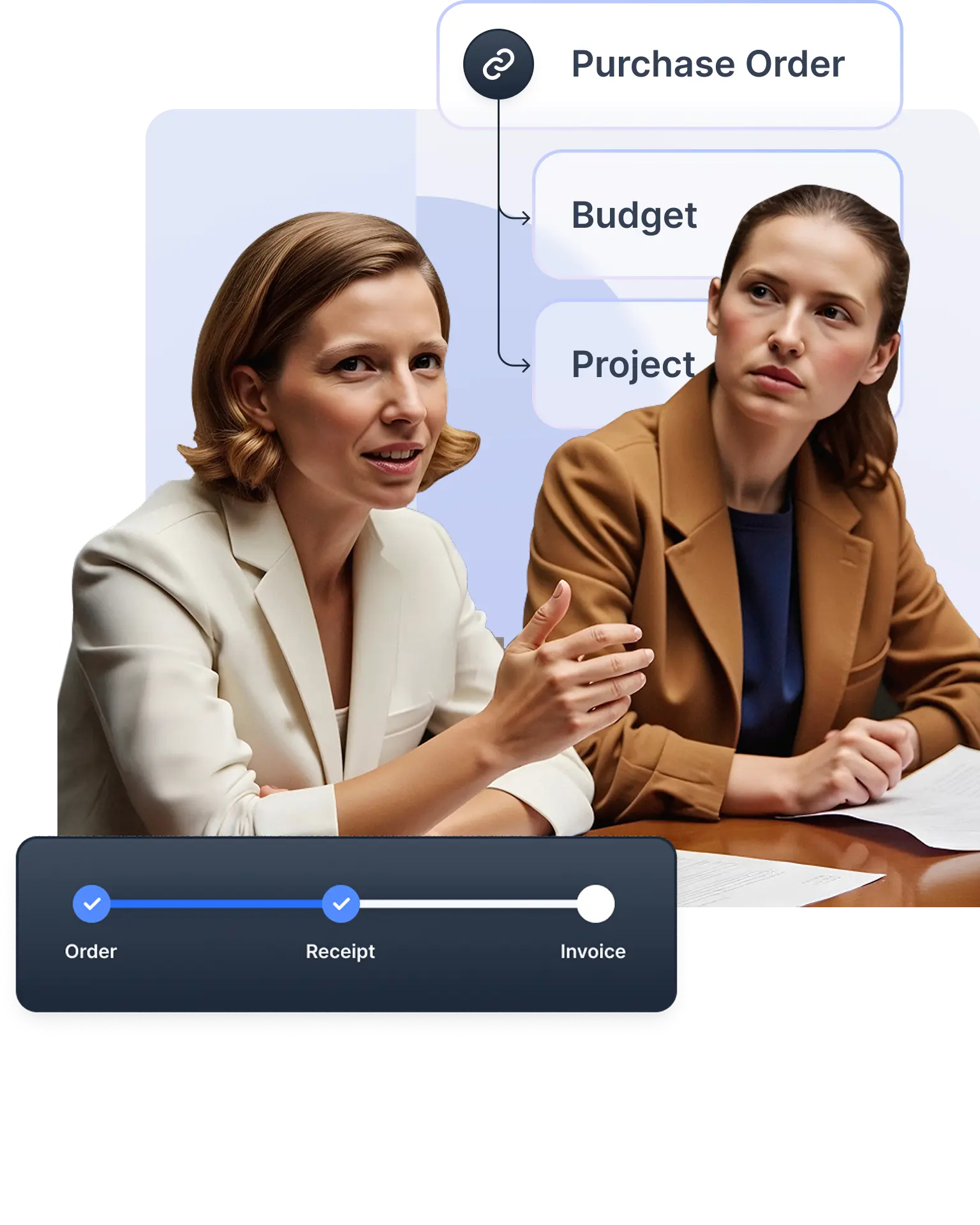
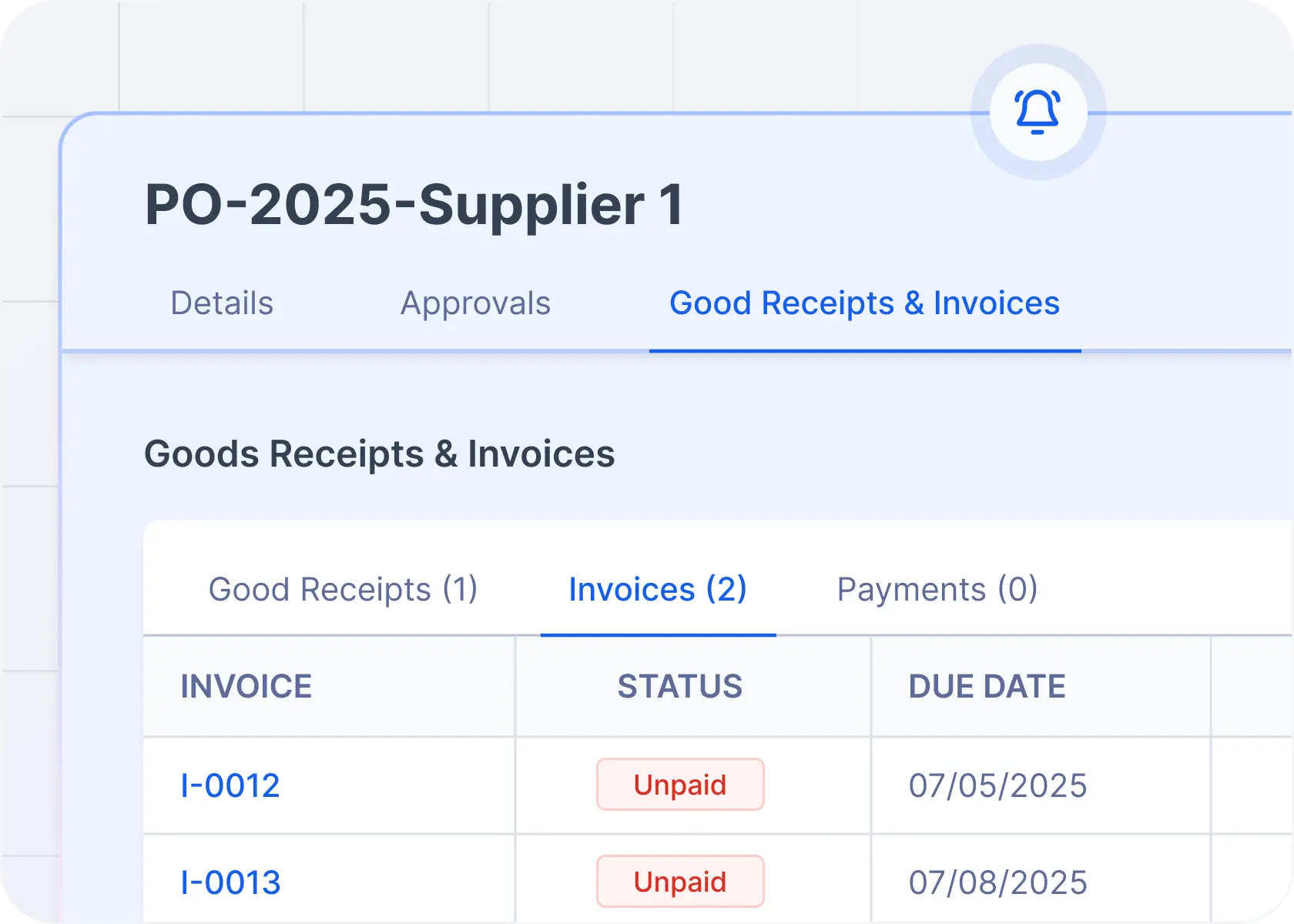
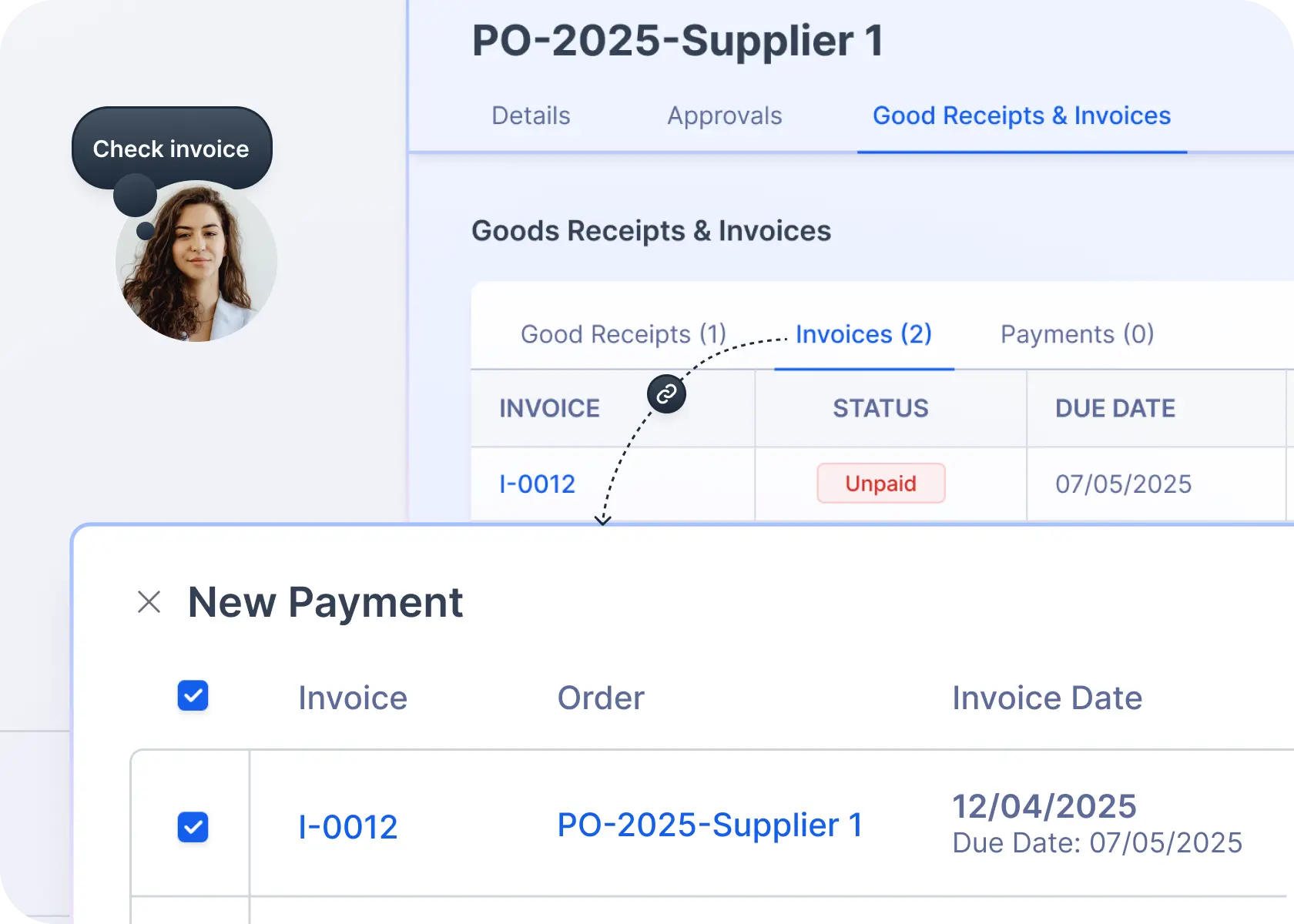
Receive & Match: Link goods receipts and invoices to ensure accuracy with 2-way or 3-way matching.
Sync with Accounting: Integrate with QuickBooks, Amazon Business, and other platforms for seamless financial tracking.
Can anyone in my organization create a purchase order?
That’s up to you. With custom access controls, you decide who can create, approve, or edit purchase orders in your company account.
Can I change a purchase order once it has been created?
Yes. Admin users can update order details, add new items, or edit existing ones before the purchase order is finalized.
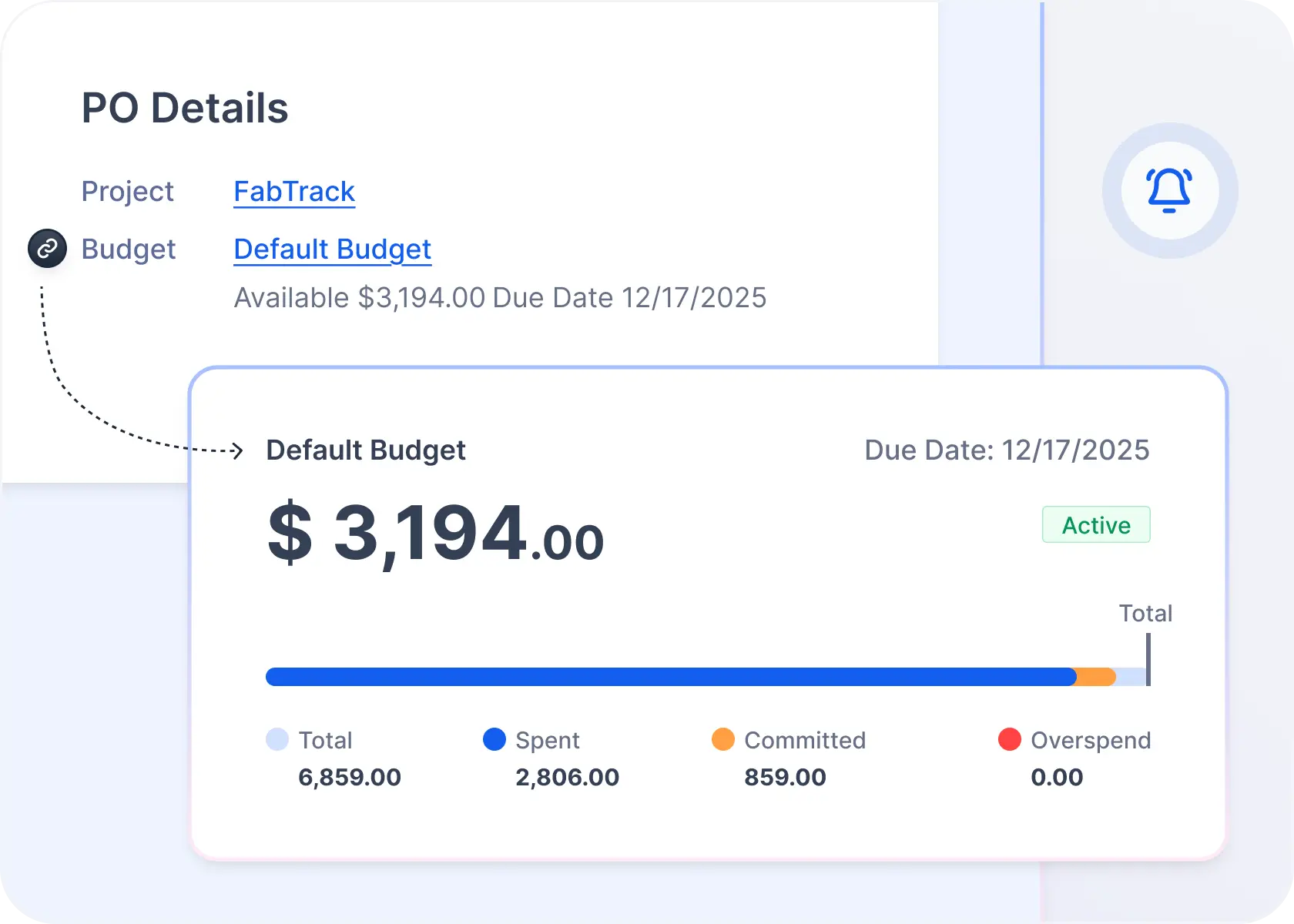
Can I assign a purchase order to a budget?
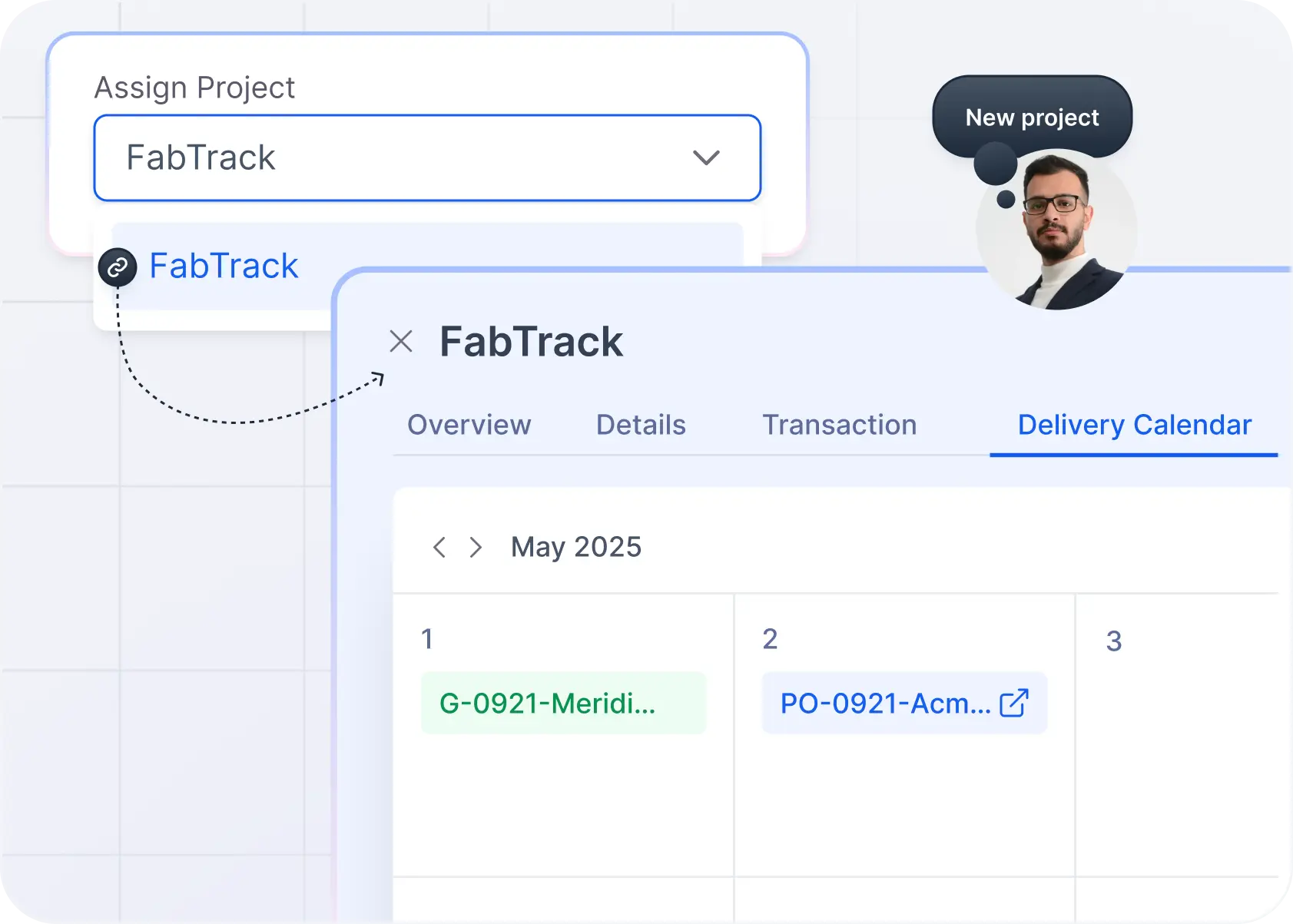
Absolutely. You can link purchase orders to specific budgets and projects, helping you keep spending on track and prevent overruns.
Can I download or print a purchase order?
Yes, you can generate a PDF version of any purchase order for internal records or supplier documentation, complete with all required details.




.svg)
.svg)
.svg)

